Folder-based projects
No import step or separate workspace setup. Choose a folder and BearCode keys its context, trust, settings, and history to that path.
A simple tool for using AI. Any model. Your keys. Your machine.
Free & open source · Bring your own keys · Local models via Ollama
 Features
BearCode starts with a folder. That path anchors the conversation, project instructions, permissions, terminal, browser, and review panel, so you can follow the work without losing track of what the agent opened, ran, or changed.
No import step or separate workspace setup. Choose a folder and BearCode keys its context, trust, settings, and history to that path.
Commands, file operations, browser actions, citations, and generated artifacts appear in the conversation as they happen.
Changed files collect in the review panel, each with a Monaco view of the file and its diff before anything is accepted.
Run risky work on its own git branch, then merge the branch or resolve conflicts without leaving BearCode.
Rules, skills, workflows, hooks, memory, and plugins live as plain files in .agents/, so project behavior stays legible and portable.
Chat with a self-hosted Hermes agent from a dedicated surface over a native WebSocket or a legacy OpenAI-compatible gateway.
Curated model routersUrsa and Ursus classify each turn by its actual deliverable, route it to a curated role, and expose four modes for coding, deliberation, research, and review.
Cross-provider routing across frontier models, with provider-aware fallback and per-turn transparency.
The same routing, pipeline, Council, Research, and Review system using OpenRouter and local Ollama.
Help me decide how to structure a plugin system before we build it.
Route each turn to the best role. Explicit multi-part work can become a short, approval-gated pipeline.
Three models answer independently, peer-review anonymously, and hand the evidence to a separate chair.
A fixed search, analysis, and writing pipeline delivers a comprehensive, citation-backed report.
A panel audits code quality, security, accessibility, and performance before chairing the findings.
BearCode CLIThe terminal companion is a complete coding agent with persistent sessions, autonomous goals, parallel swarms, built-in subagents, custom tools, and multiple providers.
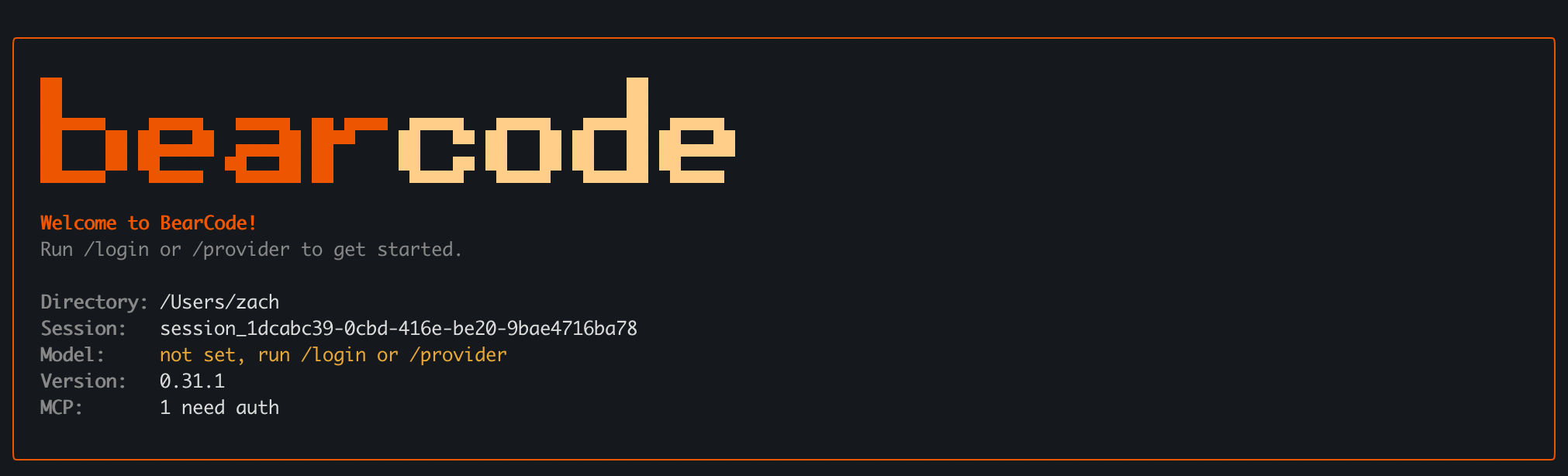
Define the finish line. BearCode continues across turns until the goal is complete, paused, blocked, or out of budget.
Expand one task across many subagents, watch live progress, and collect a single aggregated result.
Resume, fork, compact, rename, export, and undo conversation context without losing your place.
Delegate implementation, read-only discovery, and architecture to isolated built-in subagents.
Files, shell, web, media, background jobs, cron, hooks, plugins, and stdio/HTTP/SSE MCP with OAuth.
Anthropic, OpenAI, Responses API, Google GenAI, Vertex AI, Kimi, and OpenAI-compatible endpoints.
BearCode CLI is a rebranded fork of Moonshot AI's kimi-code, used under the MIT license. Upstream does the heavy lifting — this fork changes the branding and removes the upstream updater, telemetry, and promo-banner integrations. Source & full attribution →
Download BearCode, point it at your messiest folder, and watch the first run.
macOS 14+ · Apple silicon and Intel · Free and open source